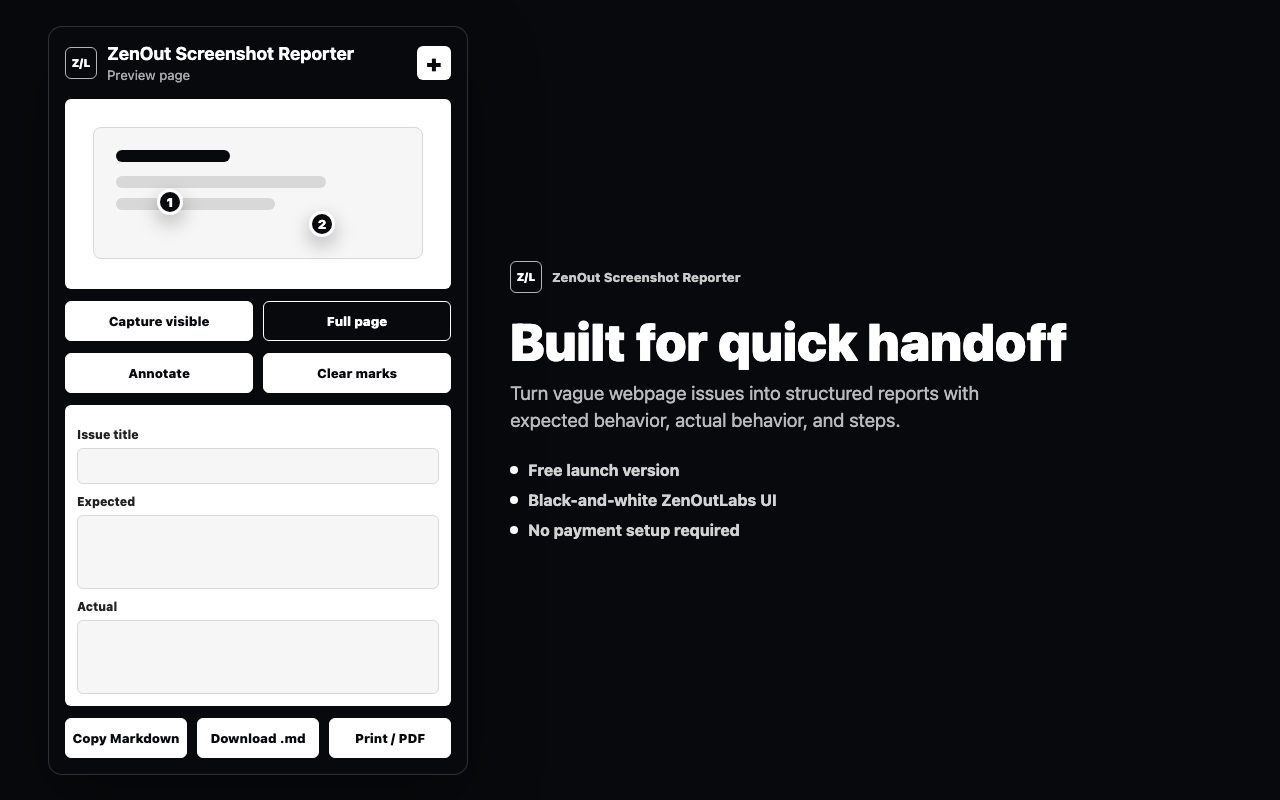
Capture visible or full-page screenshots
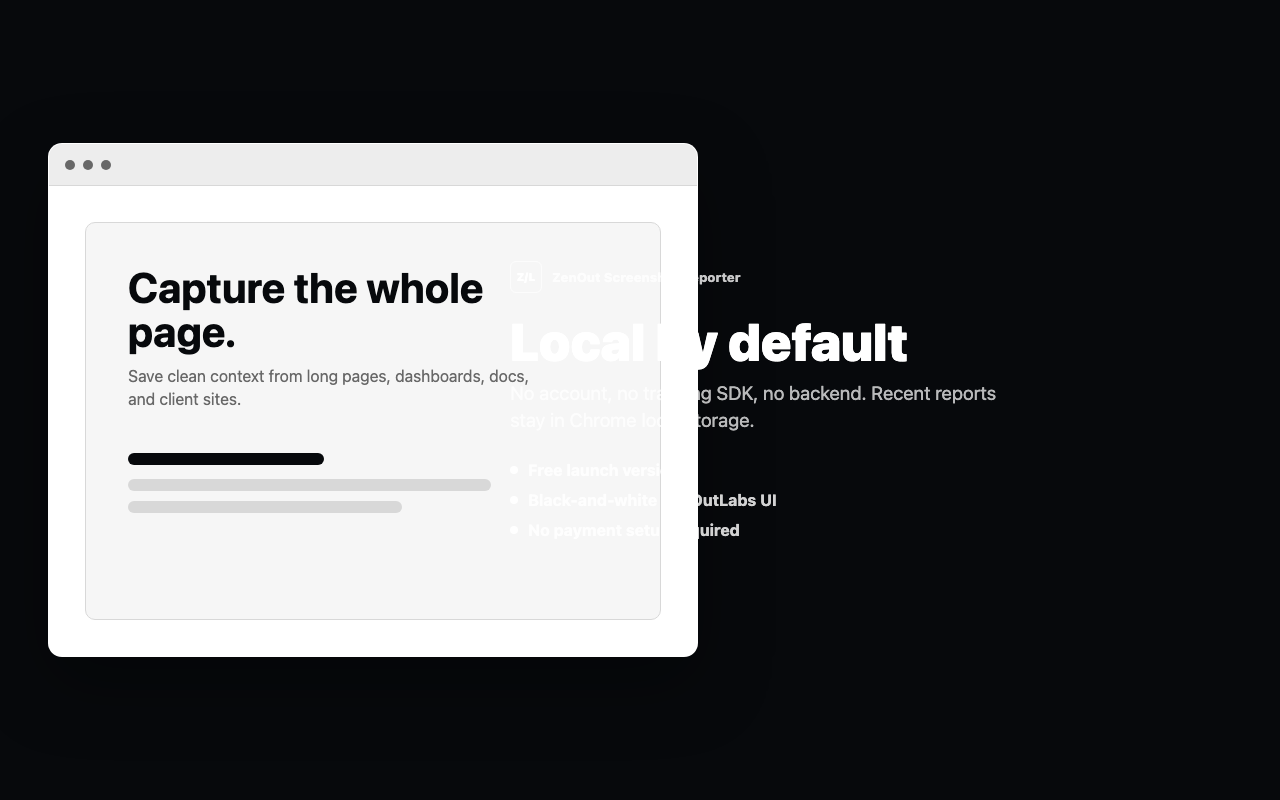
Use the active tab only after the user clicks a capture action, with a fallback for pages that exceed browser canvas limits.
Turn webpage screenshots into clean bug, QA, and client handoff reports with annotations, browser context, Markdown export, and a print-ready PDF flow.
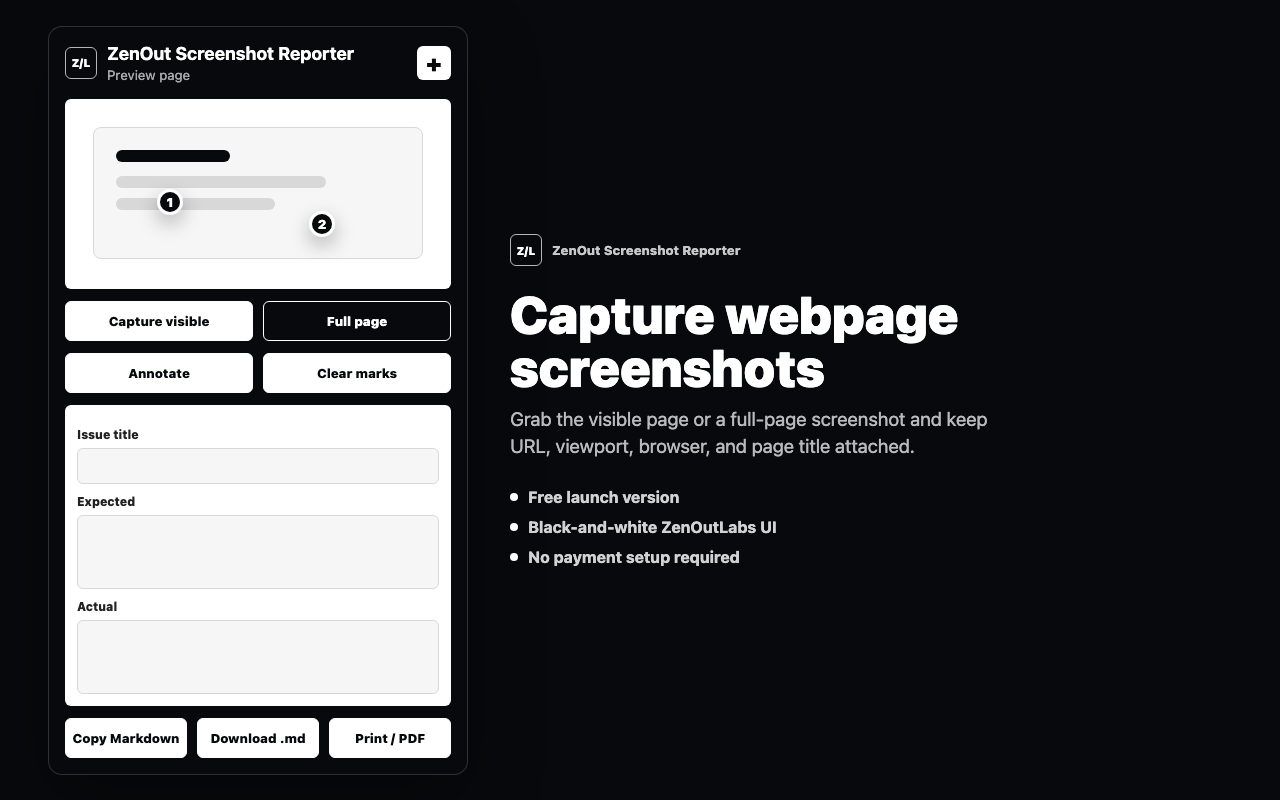
The first version focuses on a workflow people already understand: capture the page, mark the issue, add expected and actual behavior, then send a clean report.
Use the active tab only after the user clicks a capture action, with a fallback for pages that exceed browser canvas limits.
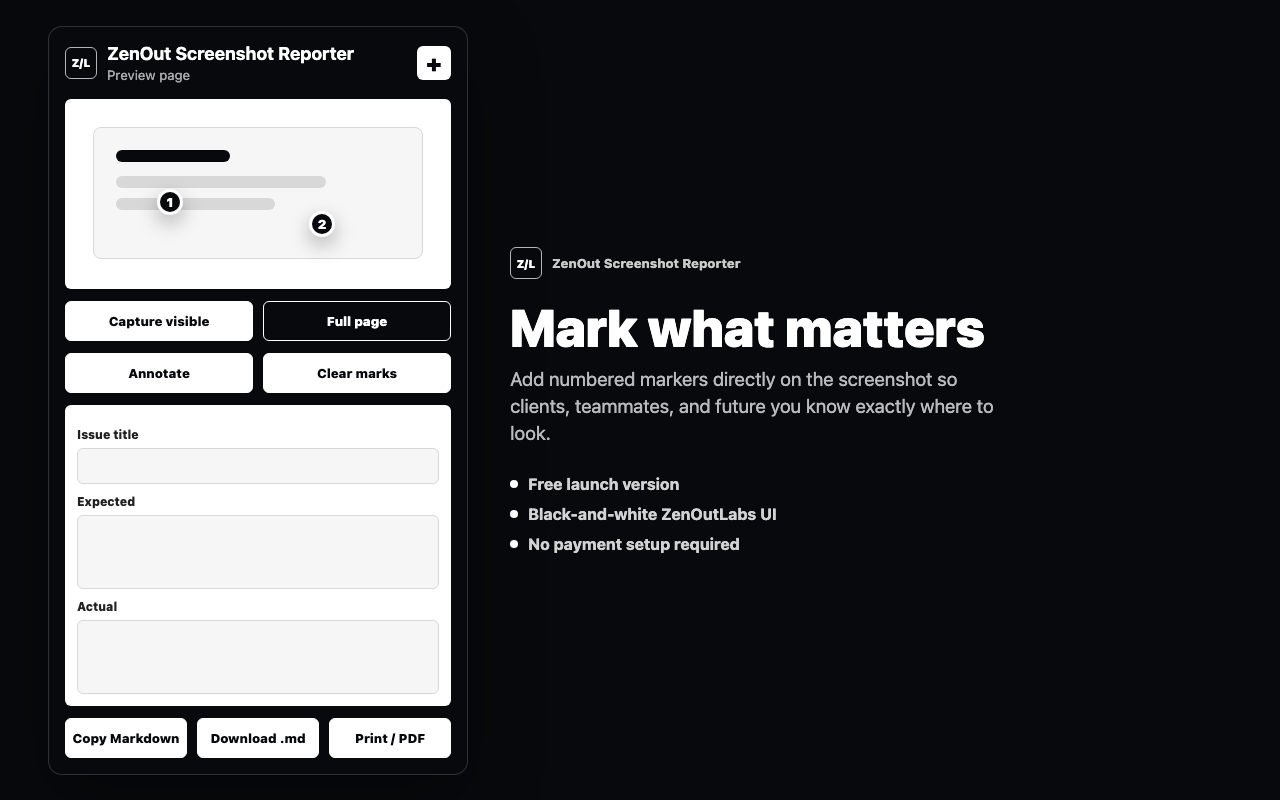
Click the preview to place numbered annotations that make client feedback and QA notes easier to scan.
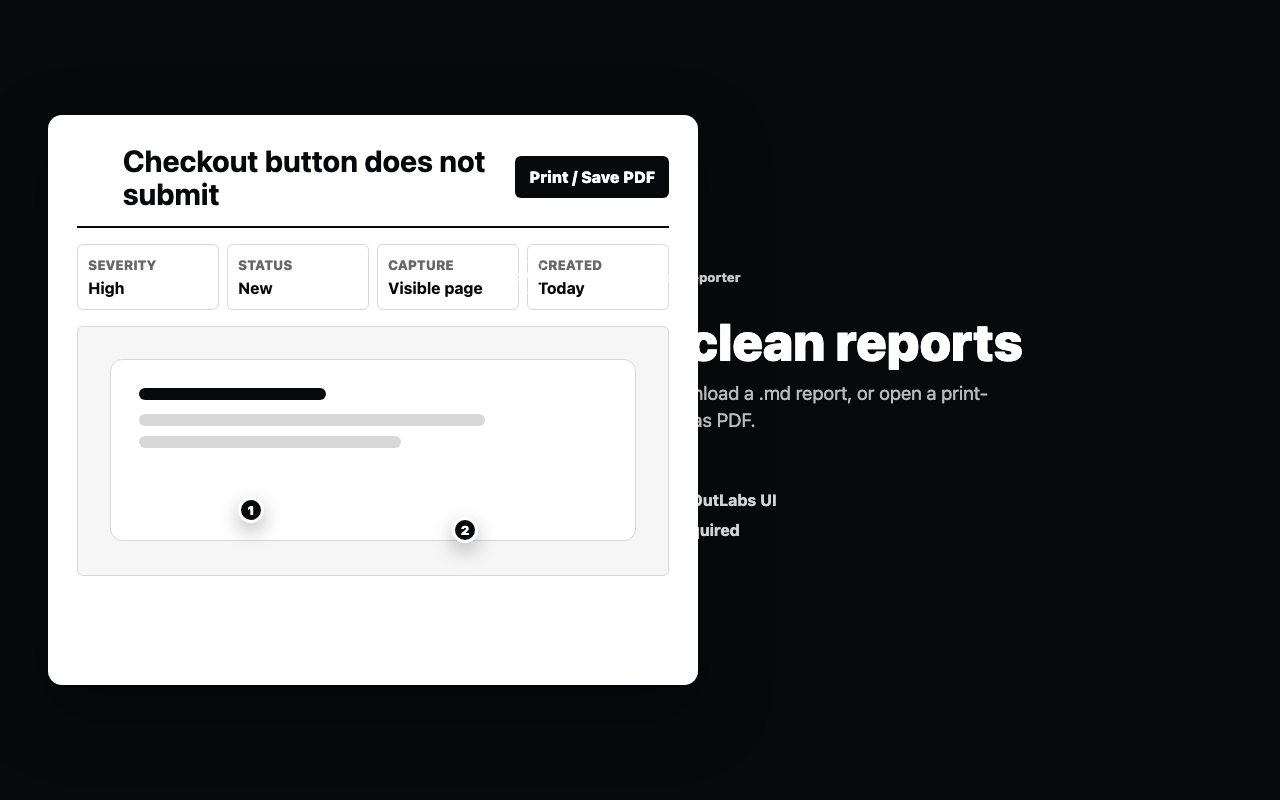
Copy Markdown, download a report file, or open a clean print page for Save as PDF.
Recent reports are stored in Chrome local storage and can be cleared inside the extension.
These screenshots are the same 1280x800 assets prepared for the Chrome Web Store listing.
ZenOut Screenshot Reporter does not include analytics, ads, third-party tracking, account login, remote AI services, or a backend server.
The launch package, listing copy, icon, promo image, screenshots, and privacy policy draft are prepared locally. The remaining blocker before Chrome Web Store submission is publishing the privacy policy at a public ZenOutLabs URL.
Open policy page